Embark on a humorous yet relatable journey into the chaotic world of DIY computer upgrades, where tangled cables, compatibility surprises, and tiny screws create a comedy of errors. This preview reveals how what begins as a simple speed boost often devolves into troubleshooting chaos, testing patience and problem-solving skills. From slipping screws to spaghetti-like wiring, each mishap is a lesson in perseverance and humor. But beyond the frustration lies the thrill of accomplishment—an addictive satisfaction that makes every misstep worthwhile. Looking ahead, the future promises more user-friendly, modular hardware, smarter diagnostic tools, and AI-guided upgrades that could revolutionize this often chaotic process. Will technology finally tame the mess, or will DIY enthusiasts continue to revel in the unpredictable adventure? This preview invites readers to embrace the chaos, share the laughs, and discover that sometimes, the best stories are born from the messiest upgrades.

Embark on Your DIY Computer Upgrade Adventure with Humor and Patience
Starting a DIY computer upgrade might seem like a straightforward task—just swap a few parts, tighten some screws, and enjoy a faster machine. But in reality, it often feels more like stepping into a comedy sketch. As you open your case, you’re greeted by a jumble of cables, tiny screws, and delicate components that demand patience and a gentle touch. Underestimating how tricky compatibility and fitting parts together can be is common, especially if you’re new to the process. What should be a quick upgrade quickly turns into a puzzle, with you trying to fit parts that seem just a millimeter off or wrestling stubborn screws that refuse to turn.
Many are motivated by the promise of better performance or saving money. Whether their old laptop struggles with new software or they’re excited about a shiny new graphics card, the idea of customizing their setup is appealing. The control and satisfaction of doing it yourself are part of the lure. But beneath that motivation is a mix of curiosity, optimism, and hope for a quick fix. More often than not, the process spirals into a humorous chaos of troubleshooting, tangled cables, and the occasional missing screw.
Before diving in, a little prep goes a long way. Watching tutorials, browsing forums, and familiarizing yourself with the components you’re about to handle makes a noticeable difference. Turning off your PC, unplugging everything, and grounding yourself to prevent static shocks are essential first steps. Opening the case involves removing screws or sliding panels—taking it slow helps prevent stripped screws or accidental damage. Taking photos or notes of your existing setup can save headaches later when reconnecting everything.
Patience is your best friend during this process. If a component doesn’t slide in easily, don’t force it—double-check alignment instead. If a screw won’t turn, it might be stripped or cross-threaded. Troubleshooting is part of the journey, and stepping back for a breath of air often reveals solutions you missed before. Keeping your workspace organized with small containers or magnetic trays for screws and connectors can prevent the “where did that tiny piece go?” panic. Remember, mistakes happen—forgetting to reconnect a cable or installing RAM at an angle—and these moments often become funny stories later.
Approaching a DIY upgrade with humor and patience turns what could be frustrating into memorable. Every tangled wire or stubborn screw becomes part of the adventure. Sharing these stories with friends or online communities makes the chaos more relatable and reminds us that even seasoned DIYers have their moments of chaos. In the end, the satisfaction of finally getting everything to work makes all the mishaps worthwhile, transforming a potentially stressful task into a fun, rewarding project.
Dive into the Hilarious Chaos of Hardware Upgrades
Trying to upgrade your hardware often feels like stepping into a slapstick routine. One minute, you’re carefully slotting a new graphics card into its PCI slot, and the next, you’re battling with a screw that refuses to turn or a tiny spacer that somehow vanishes into the abyss. Compatibility surprises are common—what looked perfect on paper suddenly doesn’t fit, leading to frantic online searches and a sinking feeling that you’ve bought the wrong part. It’s almost like the universe is conspiring to throw in a twist, turning what should be a quick swap into a comedy of errors.
Then come the tangled cables. What starts as a simple connection quickly snowballs into a spaghetti nightmare. Trying to route a USB or power cable becomes an elaborate game of maneuvering a snake through a jungle gym. No matter how neat you try to keep things, wires cross, loop, and twist into impossible shapes. Sometimes, the mess is so bad that you spend more time untangling than installing. It’s a test of patience, often punctuated by moments of frustration and the realization that cable management is an art you haven’t mastered yet.
Hardware mishaps extend beyond cables. Forgetting to unplug the power supply before handling sensitive parts is a rookie move many learn the hard way. Static shocks or frying a component happen more often than you’d like to admit. Installing RAM or a CPU at an awkward angle, or misaligning a graphics card, can cause the system to refuse to boot, turning troubleshooting into a comedy show. And then there’s the screw that rolls off the desk, disappearing into the void—only to be replaced later by a makeshift fix. These little mishaps serve as constant reminders that even simple tasks carry risks.
Incompatibility surprises are another source of chaos. A component that looks perfect on paper can turn out to be incompatible with your motherboard or power supply. Maybe your shiny new SSD isn’t recognized because it needs a different cable or port. These surprises often lead to hours of frustration—swapping cables, updating BIOS, or returning parts. Hardware compatibility is the silent villain lurking behind every successful upgrade, transforming what should be straightforward into a frustrating puzzle.
And let’s not forget the tiny screws—those tiny troublemakers that seem to vanish just when you need them most. No matter how organized you try to be, a screw always finds a way to slip away. Searching under the desk, inside the case, or even in your shoe becomes routine. Sometimes, you improvise with a paperclip or a random bolt just to get everything back together. These minor chaos moments remind us that DIY upgrades are unpredictable adventures, more about improvisation than perfection.
Every mishap, no matter how small, adds to the chaos and humor of the process. It’s easy to get caught up in the frustration—until you step back and realize how absurd it all is. Sharing these stories with friends or online forums turns frustration into laughter, making the chaos feel less overwhelming. These moments teach patience, problem-solving, and humility, turning a seemingly simple upgrade into a memorable, often hilarious, experience.
Master the Art of Navigating DIY Upgrades with a Smile
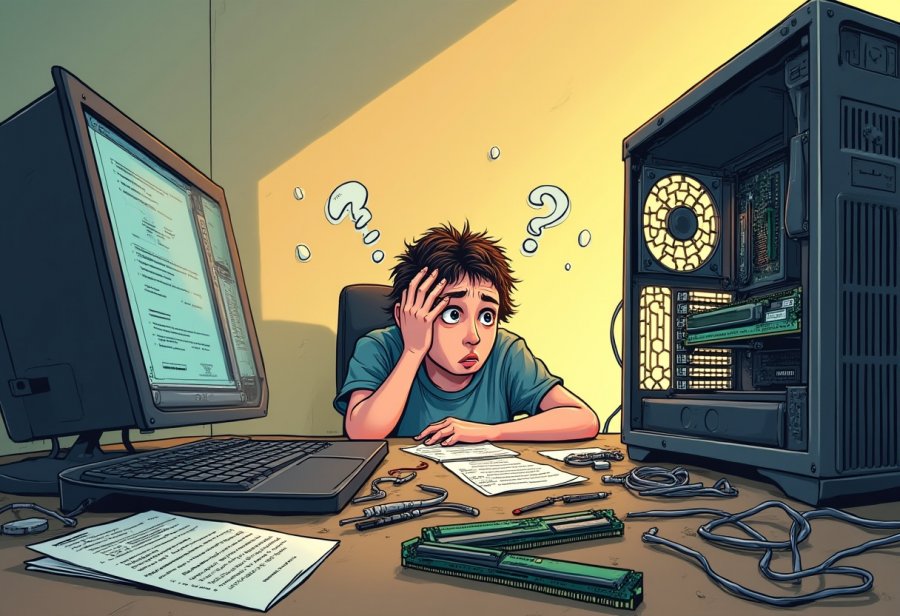
Starting a DIY computer upgrade can feel like jumping into a comedy sketch—full of surprises, mishaps, and moments that make you want to laugh (or facepalm). The trick is to approach the process with a plan, a sense of humor, and plenty of patience. Before you even touch a screwdriver, spend some time researching: watch tutorials, browse forums, and get familiar with your specific components. Being prepared helps you stay calm when unexpected issues pop up and keeps the chaos manageable.
Once you’re ready, turn off your PC, unplug all cables, and ground yourself to avoid static shocks. Opening the case usually involves removing screws or sliding panels—take your time here. Rushing can lead to stripped screws or accidental damage, so slow and steady wins the race. It’s helpful to take photos or notes of your existing setup before removing anything. That way, reconnecting everything later becomes simpler, and you’re less likely to forget where each cable goes.
Pay attention to how components are oriented—RAM sticks only fit one way, and graphics cards need to be seated firmly. Connect cables carefully, avoiding forced bends or twists. Keeping your workspace organized with small containers or magnetic trays for screws and connectors prevents the dreaded “where did that tiny piece go?” panic. If a part doesn’t slide in easily, don’t force it; double-check alignment and compatibility instead. Patience and a steady hand are your best allies here.
Troubleshooting is part of the process—and often the funniest part, in retrospect. If something isn’t fitting or your system refuses to boot, step back, take a deep breath, and re-examine your connections. Sometimes, a minor adjustment or a different angle makes all the difference. Remember, errors happen—like installing RAM at an angle or forgetting to reconnect a cable—and these moments often turn into funny stories later. Staying relaxed and approaching problems with a sense of humor keeps the process fun rather than frustrating.
When all connections are double-checked, power up your system. If everything runs smoothly, you’ll enjoy that satisfying feeling of a successful upgrade—and probably a good story to tell about your adventure. Embracing patience and humor transforms what could be a stressful task into an enjoyable journey. After all, every glitch, misfire, or tangled wire is just another chapter in your ongoing DIY tech saga.
Laugh Through the Tech Mishaps and Cherish the Lessons Learned
DIY tech chaos often turns into comedy gold if you’re willing to see the humor in it. The moment you realize that your tangled mess of cables now looks more like a modern art sculpture than a tidy computer setup might make you laugh—though maybe through gritted teeth. These mishaps serve as a reminder that patience, resilience, and a good sense of humor are essential when tackling hardware upgrades. Sharing these stories with friends or online forums transforms frustration into shared jokes, making the chaos feel less overwhelming and more relatable.
One of the funniest aspects of DIY upgrades is how mistakes tend to pile up in spectacular fashion. For example, spending hours trying to install a new SSD only to realize you forgot to connect the SATA cable. Suddenly, your sleek upgrade is a lesson in patience—and comedy. Or the classic moment when you finally seat your graphics card just right, only to discover you forgot to reconnect the monitor. That silent, confused stare at a blank screen is a universal DIY experience and a reminder that humor often comes after the frustration.
Failure is rarely just frustrating—it’s often downright hilarious. Static shocks from touching the power supply, frying a component because you forgot to unplug, or installing RAM at an angle only to see the system refuse to boot—all these mishaps become stories you’ll laugh about later. Sometimes, a screw will roll off the desk, vanish into the abyss, then reappear in a place you never expected. These little chaos moments highlight how even simple tasks carry risks, turning what should be a quick job into an exercise in improvisation and patience.
What makes these experiences memorable is how they turn into stories retold many times, each recounting more exaggerated than the last. The tale of someone working hours on a graphics card only to realize they’d forgotten to unlock the PCI slot latch becomes legendary. Or the story of a tiny screw lodged inside the CPU fan, causing rattling noises and frantic troubleshooting, becomes a badge of honor among DIYers. These moments remind us that chaos isn’t just part of the process—it’s part of the fun.
Despite the chaos, there’s a strange charm in the unpredictability of DIY upgrades. These mishaps teach patience, problem-solving, and humility, turning what seems like a disaster into a memorable adventure. Embracing the mess with humor transforms potential frustration into shared laughter and learning. It’s a reminder that perfection isn’t the goal; enjoying the process and accepting the mishaps as part of the journey makes it all worthwhile.
In the end, every failed upgrade story adds to the humor and character of your tech journey. These moments bring a sense of camaraderie with others who’ve faced similar chaos. They serve as a reminder that even the most seasoned DIYers have their moments of chaos—and that sometimes, the best lessons are learned through laughter at our own mistakes. Embracing the chaos keeps the process fun, human, and ultimately rewarding.
Glimpse the Future of Fun and Simplicity in DIY Upgrades
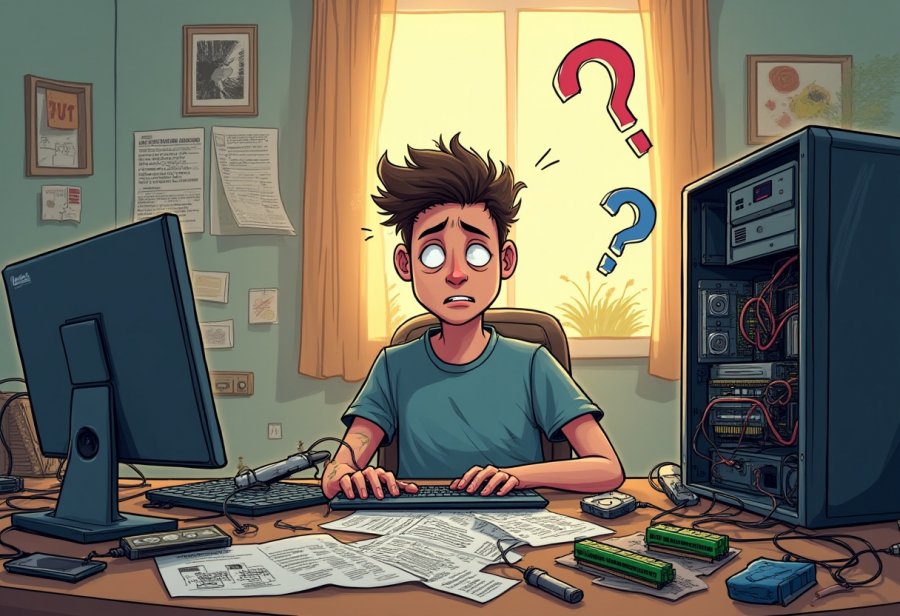
Looking ahead, the future of DIY computer upgrades promises to be less chaotic and more user-friendly. Modular hardware designs are gaining popularity, allowing enthusiasts to swap out components like building with LEGO bricks rather than wrestling with tiny screws and tangled cables. These systems are designed for straightforward upgrades, making it possible to click in new parts without the usual hassle. This shift could transform DIY upgrades from a nerve-wracking chore into a simple, almost plug-and-play experience.
Alongside hardware innovations, smarter firmware and diagnostic tools are on the rise. Future BIOS updates and troubleshooting applications will help identify compatibility issues or loose connections before even powering up. Imagine having a virtual assistant that flags potential problems early, saving you from the spaghetti of wires and hours of head-scratching. This technology will make troubleshooting faster and more intuitive, freeing you to enjoy the upgrade rather than dread it.
The online community of DIYers will continue to grow and evolve, providing an ever-expanding treasure trove of resources. Forums, video tutorials, and real-time chat support will become even more vital, turning chaos into camaraderie. Sharing stories of mishaps and victories keeps the experience light-hearted and relatable, helping newcomers see that everyone encounters setbacks—and that laughter is part of the process.
Cable management tools are also advancing, making tidy builds more achievable. From sleek clips to modular cases with built-in channels, these accessories help keep wires neat and out of the way. Better organization not only looks good but reduces the risk of accidental disconnections or short circuits. As these tools become more user-friendly, they’ll help eliminate the tangled-wire nightmare that often accompanies DIY upgrades.
Looking further ahead, artificial intelligence and machine learning could become your personal upgrade guides. Virtual assistants might walk you step-by-step through each process, alerting you to compatibility issues and suggesting compatible parts based on your current setup. This support could make upgrades foolproof, drastically reducing the chaos and making DIY tech work more accessible and enjoyable. Pre-configured upgrade kits will also become more common, tested and compatible, allowing even beginners to upgrade with confidence and minimal fuss.
All these innovations point toward a future where DIY upgrades are smoother, faster, and more fun. As hardware becomes more modular and intelligent tools become more prevalent, the days of tangled cables and compatibility frustrations will fade. Instead, upgrading your PC might become a satisfying, even enjoyable, part of your tech journey—something to look forward to rather than dread. The chaos of today could soon be replaced by a streamlined, engaging experience that anyone can master.